How to Add Vanilla Gift Card to Venmo
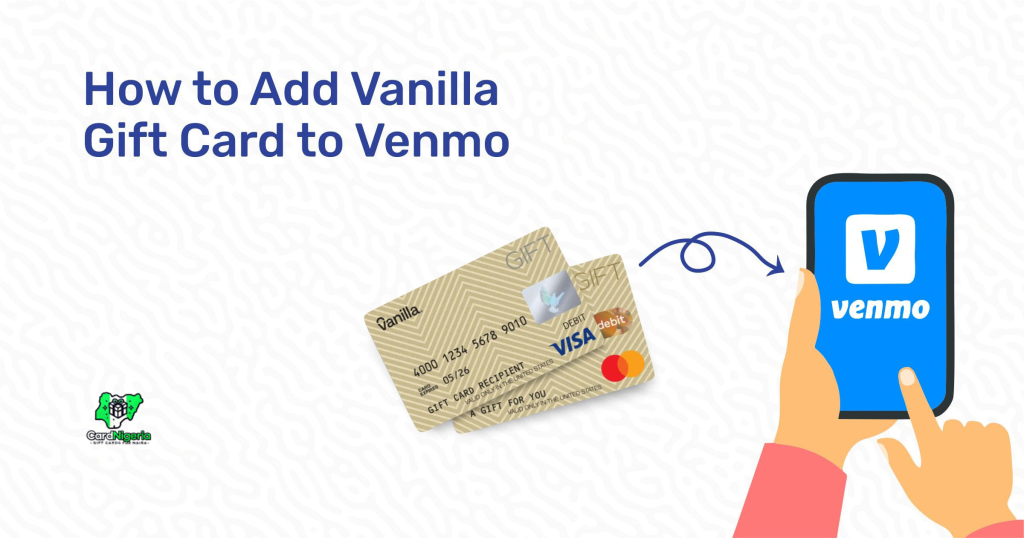
Venmo is a popular mobile payment service that allows you to send and receive money easily. While many users link their bank accounts or credit cards, did you know that you can also add a Vanilla Gift Card to your Venmo account? A Vanilla Gift Card is a prepaid card that can be used for various online and in-store purchases. Here’s how to add it to your Venmo account and start using it for transactions.
Step-by-Step Guide: How to Add Your Vanilla Gift Card to Venmo

Step 1: Open Venmo App or Website
First, open the Venmo app on your phone or go to the Venmo website. Log into your Venmo account. If you don’t have an account, you’ll need to create one by signing up with your email or phone number.
Step 2: Go to “Payment Methods”
Once you’re logged in, tap the profile icon in the top left corner to open your settings. Scroll down to find the “Payment Methods” option. Click on it to access your current payment methods.
Step 3: Add a New Payment Method
Now, tap the option to “Add a bank or card.” You will see the option to add either a bank account or a card. Since we’re adding a Vanilla Gift Card, select the “Card” option.
Step 4: Enter Card Details
You will be asked to input your card details. Here’s what you need to provide:
- Card Number: The 16-digit number on the front of your Vanilla Gift Card.
- Expiration Date: The month and year listed on your card.
- CVV Code: The 3-digit security code on the back of the card.
Make sure the information is accurate to avoid any issues during the verification process.
Step 5: Verify Your Card
Venmo will now verify your Vanilla Gift Card. This process is automatic and may take a few minutes. You will receive a notification once the card has been successfully added. If there’s an issue, you may be prompted to try again or check the card’s balance and activation status.
Step 6: Set Vanilla Gift Card as Payment Option
Once the card is added, you can start using it for transactions. When sending money, you can select the Vanilla Gift Card as your payment method. It will be available along with any other linked bank accounts or cards.
Important Tips and Troubleshooting
- Check Your Card’s Balance: Make sure your Vanilla Gift Card has enough funds to cover the payment. If the balance is too low, Venmo may decline the transaction.
- Ensure Your Card is Activated: Some Vanilla Gift Cards require activation before use. Check the instructions that came with the card or visit the card issuer’s website for more details.
- Matching Billing Information: When adding the card, ensure the billing address you provide in Venmo matches the one registered with your Vanilla Gift Card. If they don’t match, Venmo may reject the card.
- Prepaid Cards Limitations: Not all prepaid cards are compatible with Venmo. If your Vanilla Gift Card doesn’t work, it may be because Venmo doesn’t support that specific card type.
Why Use Vanilla Gift Cards on Venmo?
There are many advantages to using a Vanilla Gift Card on Venmo:
- Manage Your Budget: If you want to keep your spending in check, using a prepaid Vanilla Gift Card can help limit how much you can spend.
- Avoid Linking Bank Accounts: Some users prefer not to link their bank accounts or credit cards to Venmo for security reasons. A prepaid card can offer an extra layer of protection.
- Easy Online Shopping: You can use your Vanilla Gift Card for Venmo transactions, making it easy to pay for goods and services online or in-person.
Conclusion
Adding a Vanilla Gift Card to Venmo is an easy and convenient way to make payments. Whether you’re sending money to friends, paying for goods, or splitting bills, your Vanilla Gift Card offers a simple, secure way to manage transactions. Don’t forget, if you have any unused Vanilla Gift Cards, you can always trade them on platforms like Cardnigeria, where you can exchange them for cash or other gift cards!