How to Purchase Customized Birthday Cards on Amazon
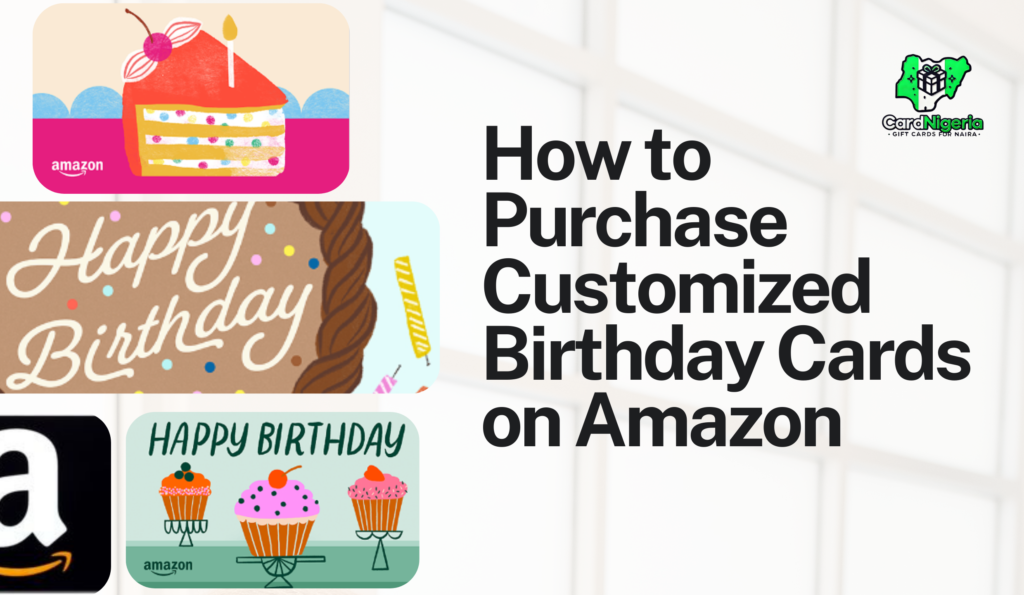
Celebrating birthdays is a special occasion that allows us to show our loved ones how much we care. One of the best ways to make someone’s day even more memorable is by giving them a personalized birthday card. If you’re looking to create a unique birthday card for someone special, Amazon offers a wide selection of customizable options that can add a personal touch to your greetings.
Step-by-Step Guide to Purchasing Customized Birthday Cards on Amazon
Step 1: Visit Amazon’s Homepage
First, head over to Amazon’s homepage. If you don’t already have an account, take a moment to sign up—it’s quick and easy.
Step 2: Navigate to Amazon Gift Cards
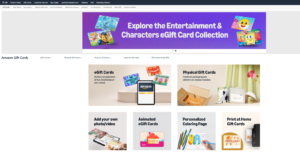
Once you’re logged in, go to the navigation bar at the top of the page and find the “Gift Cards” section. Click on it, and you’ll be directed to Amazon’s Gift Cards store. From here, you can explore various types of gift cards, including the option to create a customized card.
Step 3: Select the Card You Want to Customize
Next, you’ll see different customization options for your gift card. Depending on the type of card you’ve selected, you may have the option to add your own photo or video, choose an animated eGift Card, or even create a Personalized Coloring Page. These options allow you to make your gift card truly unique, tailored to the recipient’s taste and the occasion.
- Add Your Own Photo/Video: This option is typically available for physical gift cards and some digital ones. For physical cards, you can upload a photo to be printed on the card. For digital cards, you may be able to include a photo or short video that will be sent via email along with the card.Butyou have know that video must be less than 30
- Animated eGift Cards: These are digital gift cards that come with pre-designed animations. You can choose from a variety of themes (e.g., birthdays, holidays), but the customization is limited to selecting the animation and adding a personal message. You cannot upload your own animation or significantly alter the pre-designed options. The customization is more about choosing from existing templates rather than creating something from scratch.
- Personalized Coloring Page: This is a more unique option where Amazon provides a design that the recipient can color in. The personalization aspect typically involves adding a name or a brief message to the page.The customization is limited to text; you can’t change the overall design or layout of the coloring page.
Step 5: Review Your Customization
Before adding the card to your cart, make sure to review all the details. Double-check the spelling of names and messages, and ensure the design looks exactly how you want it. If everything looks good, proceed to add the card to your cart.
Step 6: Complete Your Purchase
Once your card is in the cart, you can continue shopping or proceed to checkout. Amazon will guide you through the payment process. Don’t forget to choose the appropriate shipping option, especially if you’re running short on time!
Why Choose a Customized Birthday Card?
Amazon’s wide selection and easy customization process make it a top choice for purchasing personalized cards. Whether you’re celebrating a special occasion or just want to send a heartfelt message, Amazon’s platform ensures that your card will be as unique as the person receiving it.
Conclusion
Making someone’s birthday extra special doesn’t have to be complicated. With Amazon’s user-friendly customization options, you can create a one-of-a-kind birthday card that will be remembered for years to come. So why not give it a try for your next birthday surprise?
Don’t forget! If you have any unused Amazon gift cards, you can always sell them for cash on CardNigeria. We offer competitive rates and fast processing, giving you the flexibility to use your money however you like. Start selling today!